Clips are writing material
A Clip is a passage you want to keep within reach: an idea from an earlier Writing, a paragraph you removed while revising, or something useful you found on the web.
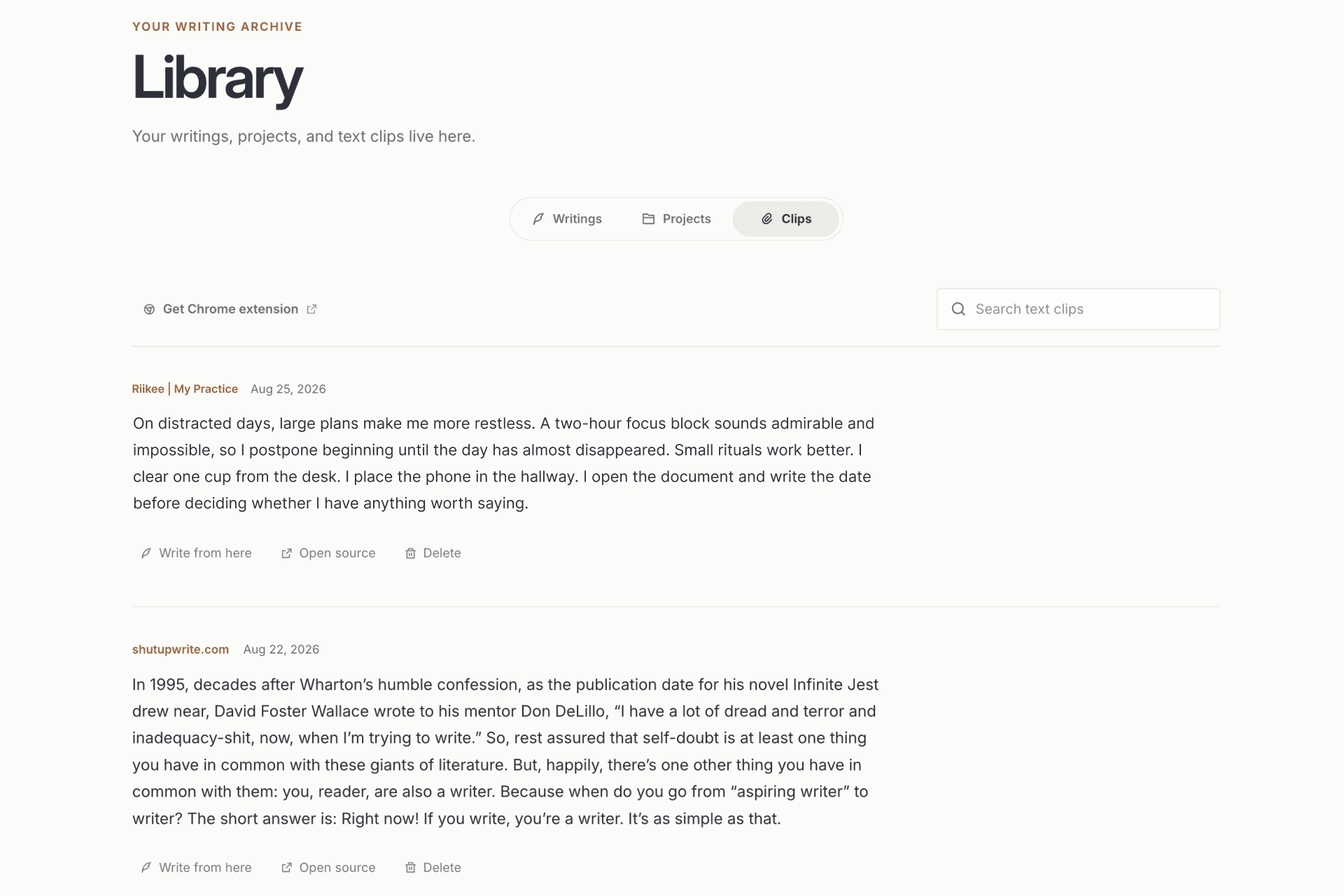
Clips live in Library with their source, so you can collect material without losing where it came from and return to it when a new Writing needs it.
Save from a Writing
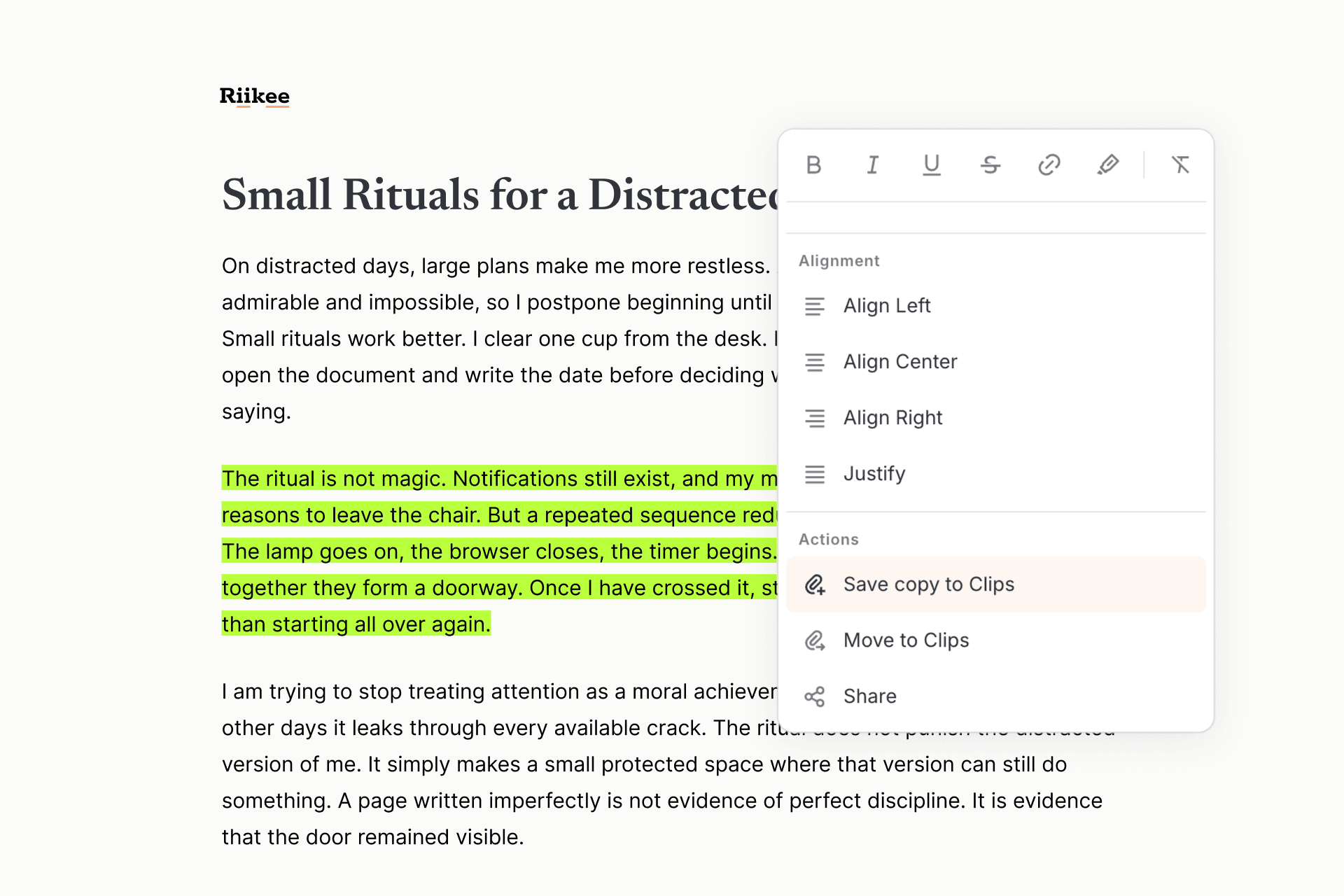
Select a passage in the editor, then choose Save copy to Clips to keep it in the Writing and add a reusable copy to Clips. Choose Move to Clips when you want to remove the passage from the Writing but keep it for later.
Riikee records the source Writing, so you can tell which piece the passage came from when you find it again.
Save from the web
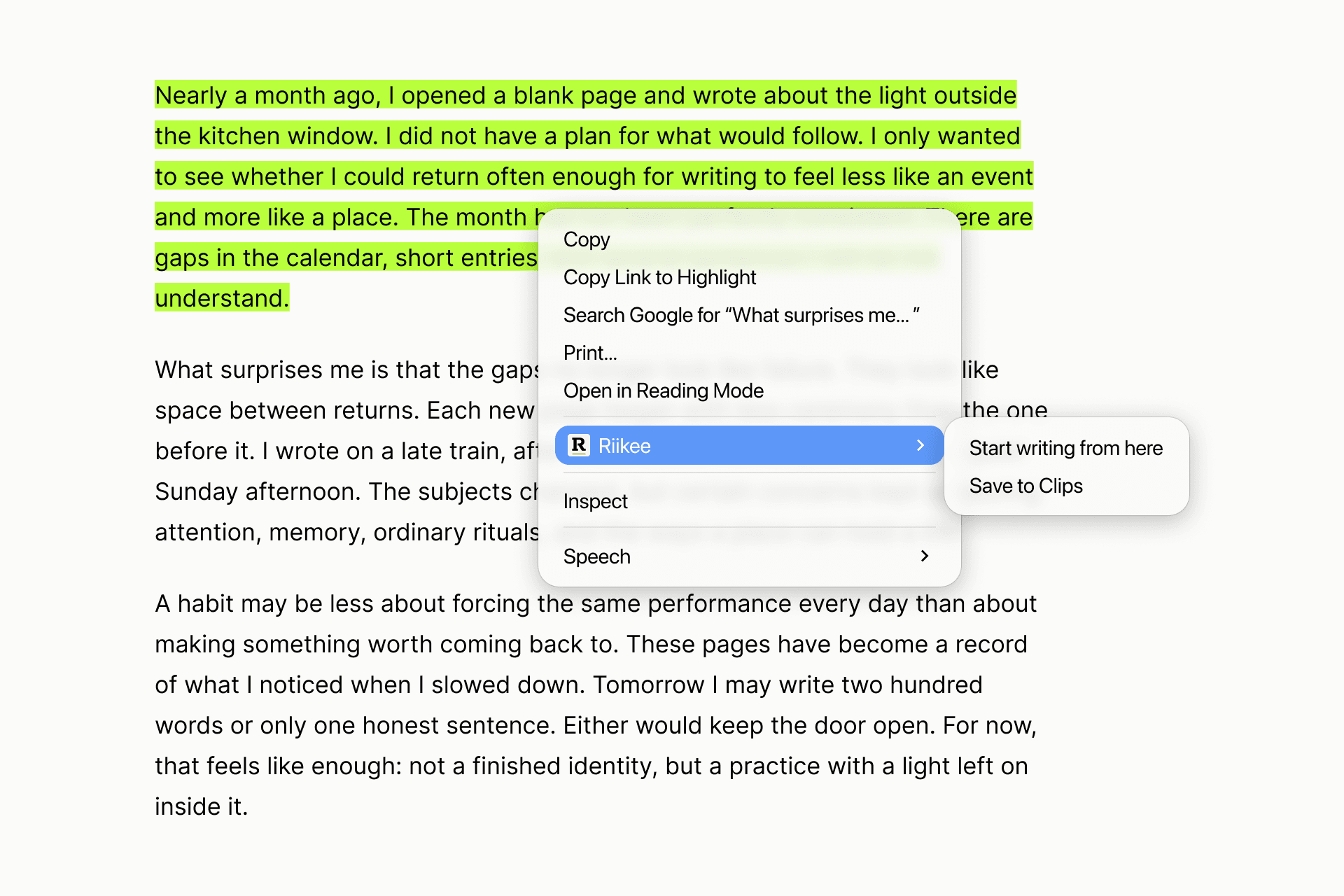
The Riikee Chrome extension sends selected text from a web page directly to Clips. Sign in with the same Riikee account you use for writing, select a passage, open the extension, and add an optional note before saving.
When the page makes them available, the Clip also keeps the page title, source address, site name, and saved time. The extension works in Chrome and Chromium-based browsers that support the Chrome Web Store.
Bring a Clip into new writing
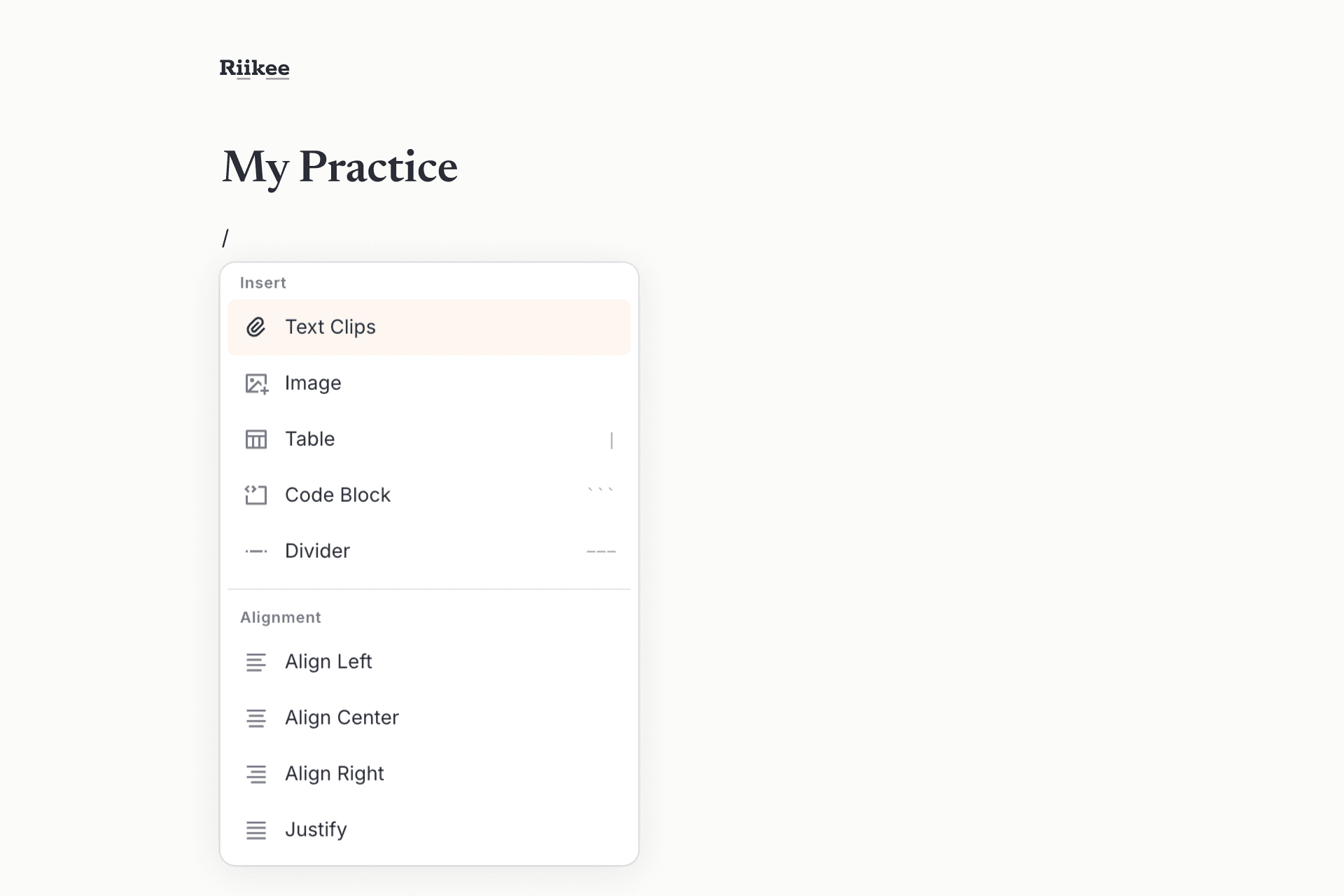
In the editor, open the Slash Menu and choose Text Clips. Search your saved material, then insert the passage you want. Riikee keeps a source marker on inserted text so you can inspect where it came from.
You can also open Library → Clips to search everything you have saved, open the original source, start a new Writing from a Clip, or delete material you no longer need.